this document is a work in progress.
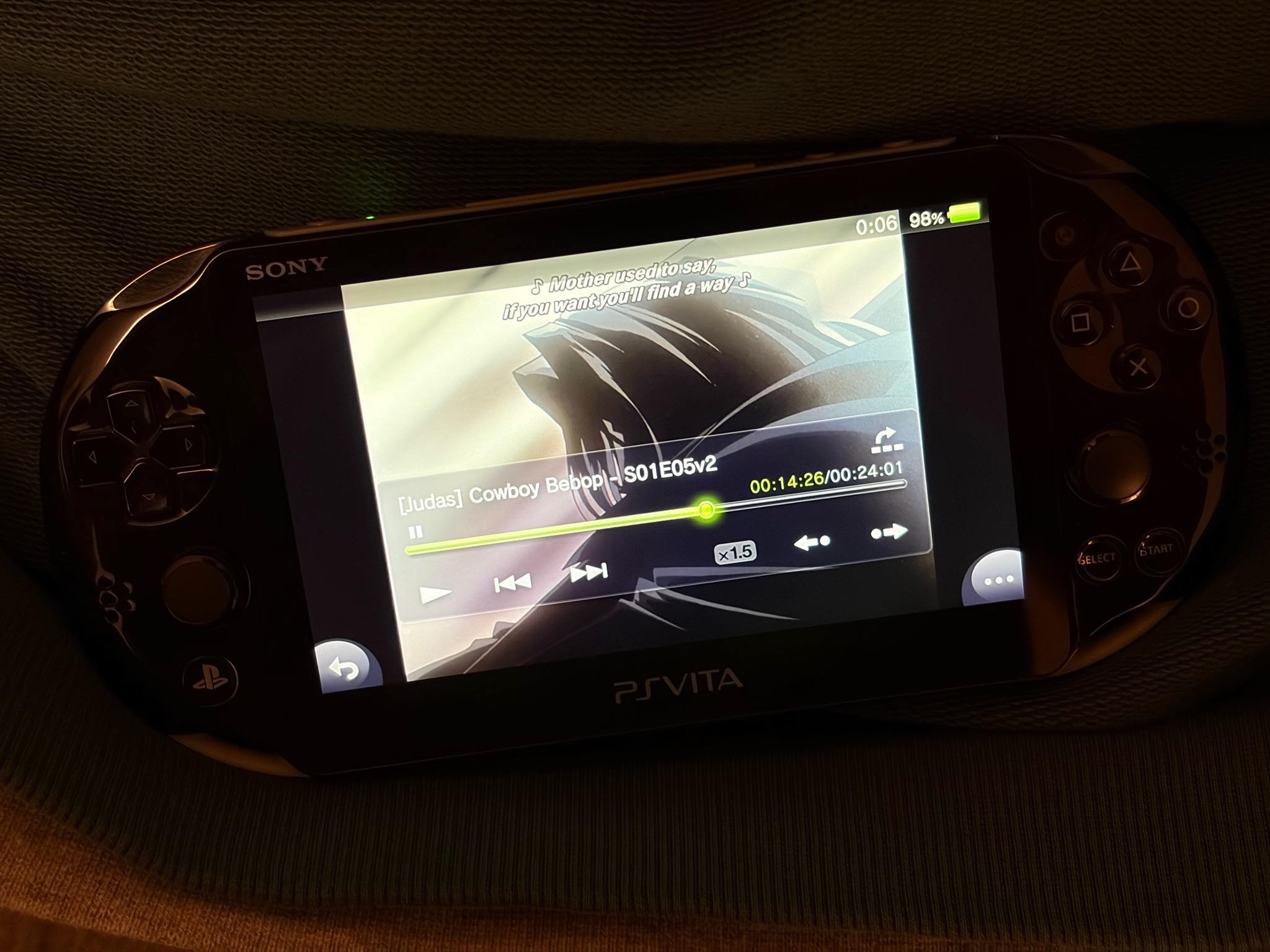
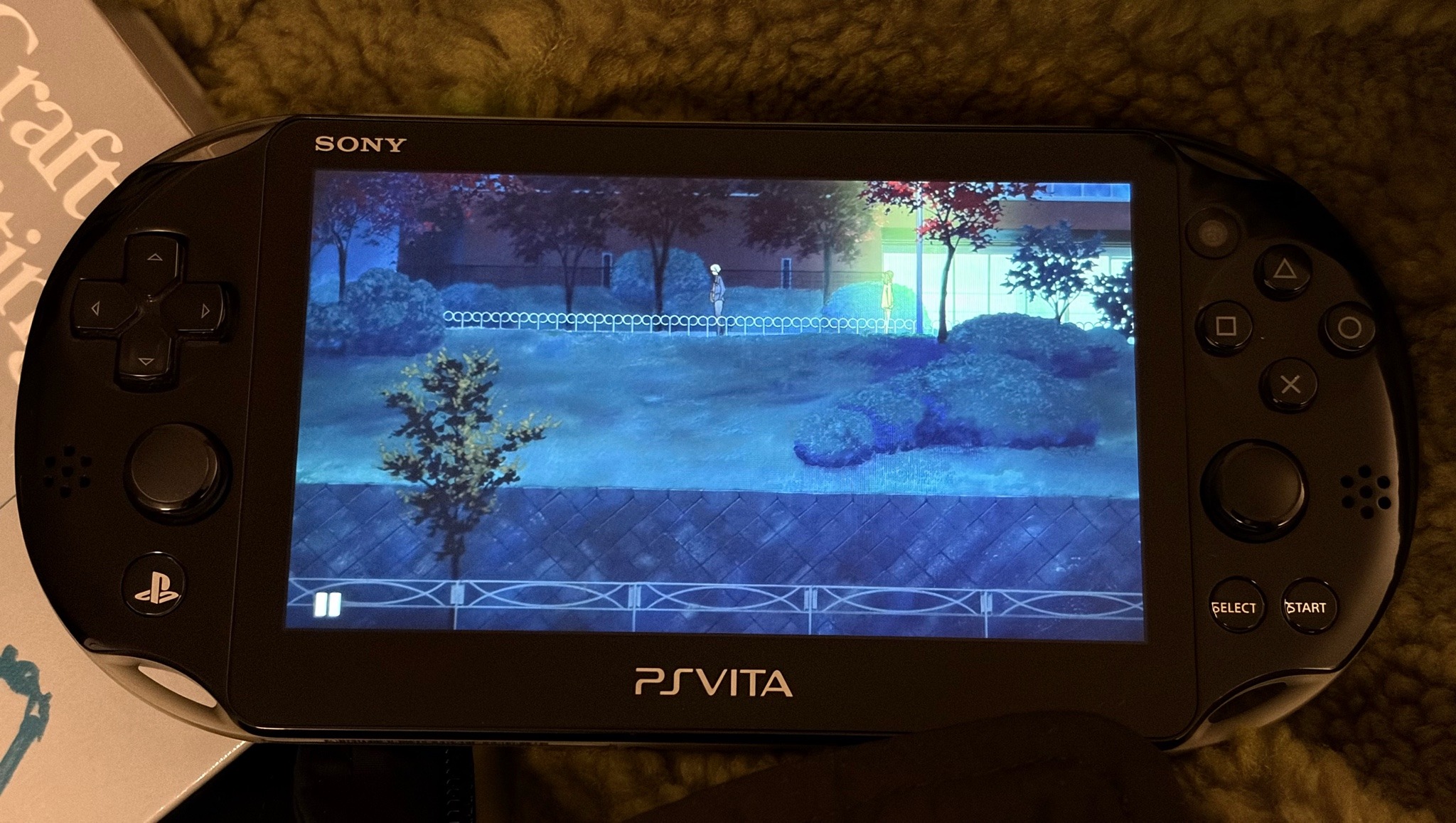
i want to keep a small library of tv series and movies on my playstation vita. the vita is picky about what it will play.
it will only play mp4 videos, afaik. mp4's can't support subtitles with fonts/colours that many of my mkv series have, and which i prefer. since i always want subtitles, i'll hardcode them. i've only tested it with a couple series thus far.
the playstation vita display is 960 by 544 pixels. this is 4 pixels taller than a 16:9 aspect ratio.
when transcoding 16:9 content you can choose between keeping the aspect ratio, stretching, or cropping. normally i would never consider stretching a video... but 4/544 pixels sounds imperceivable.
(i bet the variance in how good we are at holding screens perpendicular to our faces allows for more skew than this stretch. plus i have a vita 2000 with an lcd screen, so the thin gaps glow brightly for me.)
simple command:
$ ffmpeg -i $INPUT.mkv \
    -map 0:a:1 \
    -map 0:v \
    -vf "subtitles=$INPUT.mkv:si=1, scale=960:544, format=yuv420p" \
    -c:v libx264 -preset slow -profile:v baseline -crf 18 \
    -c:a aac -b:a 128k \
    $OUTPUT.mp4
this is a script i wrote to help me write transcoding loops for different tv series:
$ cat ./vita_encode
#!/bin/bash

# 1 = mkv filename
# 2 = scale
# 3 = audio track
# 4 = subtitle track

filename=$1
name="${filename%.*}"

ffmpeg -async -i "$filename" \
    -map 0:a:$3 \
    -map 0:v \
    -vf "subtitles='$filename':si=$4, scale=$2, format=yuv420p, setsar=1" \
    -c:v libx264 -preset slow -profile:v baseline -crf 18 \
    -c:a aac -b:a 128k \
    ~/mnt/vita/videos/new/"$name".mp4
which can be used like this:
$ ./vita_encode $f 960:544 1 2
$ ./vita_encode $f -2:544 1 3